
9 Best Ecommerce Photo Editing AI You Can’t Miss
You don’t always need Photoshop or any other high-end photo editing software in the age of AI. The technology has given us a wide range of tools for eCommerce photo editing.
Each tool comes with its pros and cons. But each one of them stands out with their own capabilities.
In this article, we are sharing the 9 most useful Ecommerce photo editing AI from 2025. To further help you choose the best AI, we’ll be sharing a particular reason that makes the AI Photo editing tool stand out.
So without any further ado, let’s get started right away.
Table of Contents
9 Best Ecommerce Photo Editing AI for Professional Images
Autophoto.ai
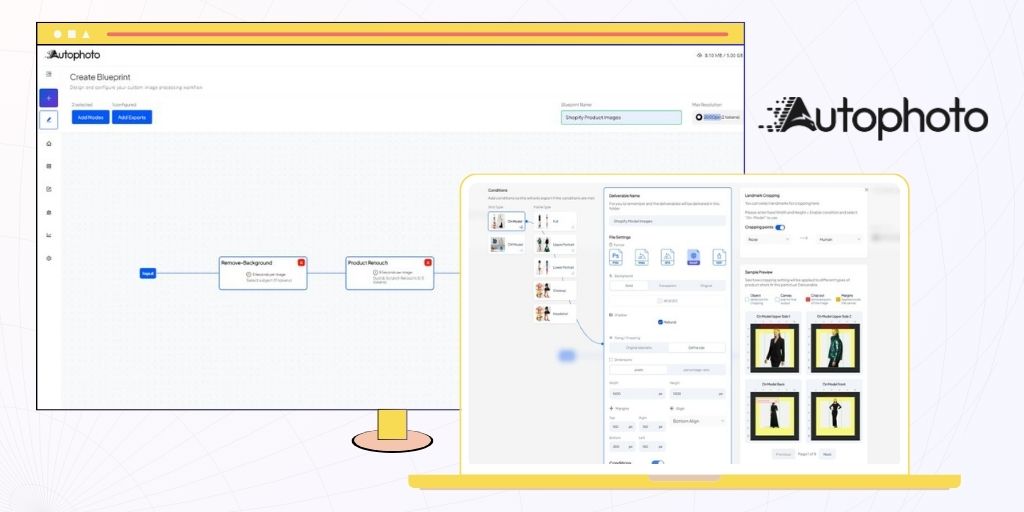
Autophoto is a leading eCommerce photo editing AI automation platform. It is a platform where you can create custom photo editing blueprints and edit over 5000 images in a single batch.
Photo editing blueprints in Autophoto are no-code, custom photo editing specifications. Here, you can select the background color of your product image, product retouching, image cropping, margin, file format, and more.
For model images, you can also select cropping landmarks, like from the eye, from the lips, etc. Autophoto will detect model images and photography angles to process them accordingly.
Once created, a blueprint can be used endlessly and also be shared with your team to get consistent photo editing. By simply uploading images and exporting the processed images.
Why Choose Autophoto?
Autophoto gives you the ability to create your own custom eCommerce photo editing AI workflow. Additionally, you can also specify how different image types and photography angles will be edited. This allows you to simply upload an entire batch, and Autophoto will edit them based on your own conditions.
Pros
- Custom Photo Editing Blueprints allows you to create automation for your own specifications.
- Bulk image processing lets you process a complete batch in a single upload.
- Built for dedicated studio teams where you can share blueprints within your organization.
- No Charge for Unprocessed Images. If the AI can’t process an image, no credits will be deducted.
Cons
- The platform has a learning curve, but you can easily get the hang after creating your own blueprint once.
Evoto
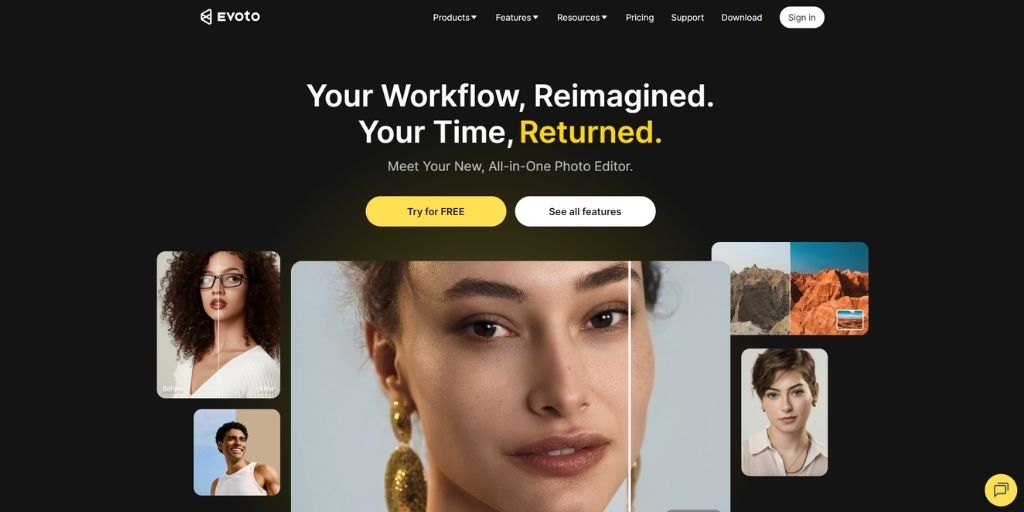
Evoto is a professional eCommerce photo editing AI software designed for photographers and eCommerce teams working with model or lifestyle product images.
It is a combination of portrait-grade retouching tools with batch automation to deliver clean, natural, and market-ready visuals.
With Evoto, you can automatically smooth skin, remove blemishes, correct lighting, and even eliminate reflections or stray hairs. Its smart AI can also adjust tones, enhance eyes and teeth, and apply background edits seamlessly across large image sets.
The platform supports batch processing and syncing edits across multiple photos, making it ideal for studios managing high-volume shoots.
Why Choose Evoto?
Evoto stands out as an advanced eCommerce photo editing ai and portrait retouching. It’s perfect for studio-level workflows that rely on high-quality model photos and want to automate repetitive retouching without compromising on realism or control.
Pros
- Specialized AI retouching for skin, hair, and lighting correction.
- Batch editing and sync tools for consistent edits across images.
- Real-time preview and tethered capture for on-set editing.
- Intuitive UI suitable for both beginners and professionals.
Cons
- Credit-based pricing models may be complex for large-scale users.
- Some AI edits may require manual fine-tuning for natural results.
Photoroom

Photoroom is an eCommerce photo editing AI tool designed for content creators and eCommerce sellers. Without any design skills, it creates marketplace-ready images within seconds.
This includes features like background removal, shadow adding, realistic lifestyle background, and more.
The platform offers ready-to-use templates for Amazon, Etsy, and Shopify. This helps brands maintain consistent, high-quality visuals while simply dragging and dropping product images.
Additionally, you can also edit images in bulk, generate AI backgrounds, and automate workflows through Photoroom’s API for large-scale operations.
Why Choose Photoroom?
Photoroom combines simplicity with scalability. It offers both quick edits for eCommerce photo editing AI and API automation for batch processing. It’s ideal for eCommerce teams that want to create clean, consistent product photos without investing in complex editing tools.
Pros
- Accurate AI background removal for product and model images.
- Batch editing and templates designed for the eCommerce marketplaces.
- Cross-platform use (Web, iOS, Android) for editing anywhere.
- API access for integrating automated editing into workflows.
Cons
- Advanced features like batch editing and watermark-free exports require paid plans.
- Per-image API pricing can add up for very large catalogs.
Spyne

Spyne is an eCommerce photo editing AI platform that specialises in automotive marketplaces. It allows you to automate product and vehicle image editing, background replacement, and 360° spin or video creation at scale.
Spyne’s virtual studio lets you select background styles, retouching levels, shadows, reflections, and file formats. For vehicles, it can generate 360° interactive spins and short video tours automatically.
Once configured, workflows can be reused endlessly and shared with your team to maintain consistent, marketplace-ready visuals.
Why Choose Spyne?
Spyne is ideal for businesses that need professional, studio-quality images and interactive media without manual editing. It’s an eCommerce photo editing AI that can handle bulk uploads while preserving consistency.
Pros
- Virtual Studio and 360° spins create interactive, professional-grade images.
- Batch processing automates large-scale image and video workflows.
- API and workflow integration for streamlined eCommerce publishing.
- Designed for high-volume automotive or product catalogs.
Cons
- Strong focus on vehicles; less optimized for fashion or jewelry products.
- Custom pricing may be expensive for small-scale users.
- Occasional manual correction is required for complex images.
Phot.AI

Phot.AI is an eCommerce photo editing AI-powered platform, designed for eCommerce sellers, content creators, and marketing teams.
It allows users to enhance product images, remove or replace backgrounds, and even generate new visuals from text prompts, all within a single platform.
With Phot.AI, you can upscale image resolution, restore old or damaged photos, and extend images beyond their original borders.
The platform also supports batch processing for multiple images and provides AI-driven tools for model images, product shots, and lifestyle photography. Its cloud-based interface works across devices, making it easy to edit on the go.
Why Choose Phot.AI?
Phot.AI streamlines workflows by combining advanced ecommerce photo editing AI with image generation capabilities. You can quickly remove backgrounds, correct lighting, and generate creative visuals. This, while also processing large batches of images efficiently.
Pros
- AI-powered background removal, object removal, and image enhancement.
- Text-to-image generation for creative visuals and marketing content.
- Batch editing for fast processing of large product catalogs.
- Cloud-based platform accessible from multiple devices.
- Advanced tools for model images, product shots, and lifestyle photography.
Cons
- AI edits may require manual adjustments for complex images.
- Some advanced features are behind paid tiers.
- Output consistency can vary depending on image complexity.
Claid.ai

Claid.ai is an ecommerce photo editing AI platform built for online brands and marketplaces. It enables automatic enhancement, background removal, and scene generation for product and model images. Helping teams create consistent, professional visuals at scale.
Claid.ai provides features like AI background removal, product image enhancement, and AI-generated lifestyle or on-model images.
Your team can automate entire workflows, adjust edits based on product types, and integrate with APIs for batch processing or large-scale operations. This saves time while maintaining high-quality, marketplace-ready visuals.
Why Choose Claid?
Claid.ai is an ideal eCommerce photo editing AI for teams and studios that want to automate product photography without sacrificing quality. Its AI workflows handle background removal, lighting correction, and scene generation automatically. Additionally, its batch processing and API integration make it easy to scale photo editing for hundreds or thousands of SKUs.
Pros
- AI-powered background removal and product image enhancement for clean visuals.
- Batch editing and workflow automation for large-scale operations.
- AI-generated lifestyle and on-model images to reduce photoshoot costs.
- API integration for seamless use in eCommerce pipelines.
Cons
- Advanced features and API integration require technical setup.
- Extremely poor-quality images may need manual adjustments.
- Some complex scenes, reflections, or metallic surfaces may not edit perfectly automatically.
Luminar Neo
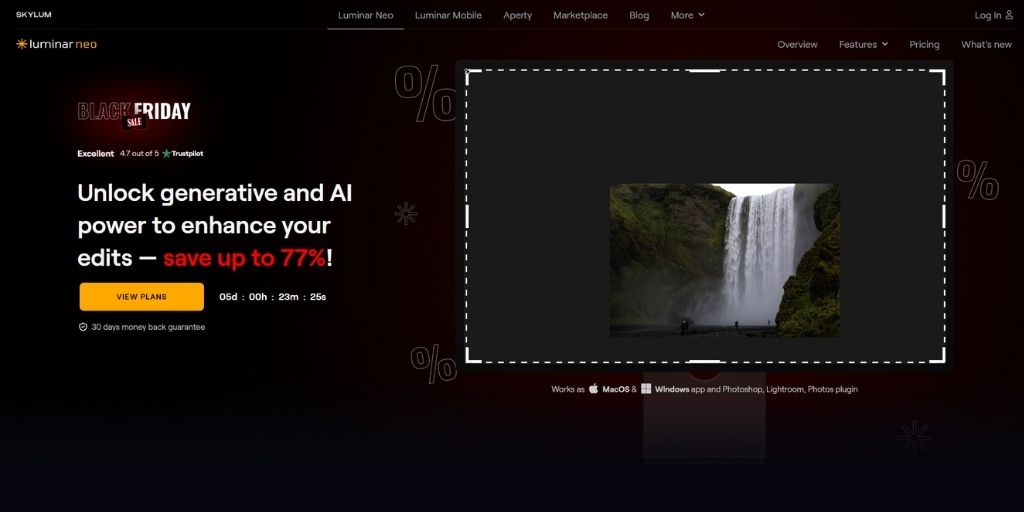
Luminar Neo is an eCommerce photo editing AI-powered software built for photographers, content creators, and eCommerce teams. It combines advanced AI tools with a modular editing engine, enabling professional-quality edits for product, model, and lifestyle images with ease.
Luminar Neo features tools like AI Sky Replacement, Relight AI, Mask AI, and generative editing, allowing you to enhance backgrounds, adjust lighting, remove unwanted objects, and apply creative effects efficiently.
You can process RAW files, work with layers and masks, and maintain non-destructive workflows for consistent, high-quality results.
Why Choose Luminar Neo?
Luminar Neo is ideal for users who want eCommerce photo editing, AI-driven efficiency without compromising creative control. It allows you to enhance photos quickly, apply complex edits with minimal manual effort, and integrate seamlessly with Adobe Photoshop or Lightroom workflows.
Pros
- AI-powered tools for sky replacement, relighting, masking, and generative edits.
- Layer-based, non-destructive workflow for precise control.
- Supports RAW files and works as a standalone app or plugin.
- Intuitive interface suitable for both beginners and professionals.
Cons
- It can be resource-intensive for large files or multiple layers.
- Limited batch processing and cataloging compared to Lightroom.
- Some AI tools may require manual refinement for complex images.
Fotor

Fotor is an all-in-one eCommerce photo editing AI and design platform. It combines traditional editing tools with powerful AI features that help you with editing, retouching, as well as design.
With Fotor, you can remove or change backgrounds in a single click. Also, enhance product details and even process images in batches for bulk uploads.
To further make it easy for you, Fotor gives you a drag-and-drop interface and built-in templates to make professional images without any design expertise.
Beyond editing, Fotor also features AI retouching tools for portraits and model photo editing. Overall, these features make Fotor among the best eCommerce photo editing AI platforms.
Why Choose Fotor?
Fotor is ideal for eCommerce stores that need fast, reliable image edits at scale without complex workflows. Its AI tools save time on repetitive edits like background cleanup, resizing, and lighting corrections. Also, its batch processing and templates maintain brand consistency across thousands of product images.
Pros
- AI-powered background removal and retouching for clean, ready-to-use images.
- Batch editing and export tools for quick, consistent results.
- Pre-designed templates for eCommerce, ads, and social media.
- Available on web, desktop, and mobile for flexible editing.
Cons
- The free version has limited access and shows Google ads that might be distracting.
- AI background and retouch results may need manual fine-tuning for complex images.
Pixlr
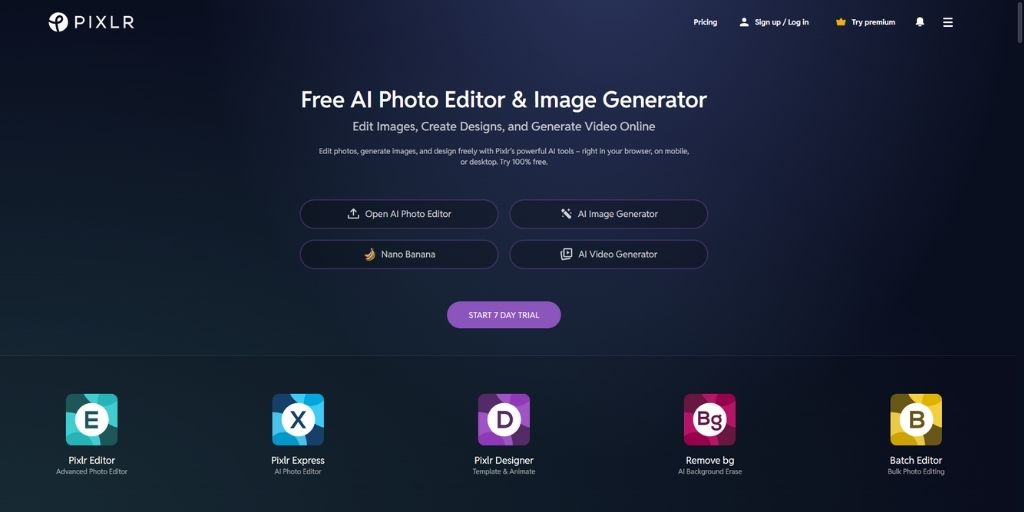
Pixlr is a web-based eCommerce photo editing AI and design platform built for online stores and content creators. It combines traditional photo editing tools with AI-powered features like background removal, object removal, and image upscaling, all accessible directly from your browser or mobile device.
Pixlr lets you quickly edit product images, remove or replace backgrounds, and apply filters or overlays. Its AI tools can also generate custom effects or automatically adjust lighting and color.
With batch processing, you can upload multiple images at once and apply edits consistently across your product catalog.
Why Choose Pixlr?
Pixlr is an eCommerce photo editing AI for teams that need fast, versatile image editing without installing heavy software. Its AI features simplify repetitive tasks like background cleanup, object removal, and image enhancement, while batch editing ensures consistency across large product inventories.
Pros
- AI-powered background removal and object editing for clean, professional images.
- Batch editing tools for processing multiple images at once.
- Accessible via web and mobile for editing anywhere.
- Supports common image formats including JPEG, PNG, and PSD.
Cons
- Web-based performance may lag with large files or complex edits.
- Advanced professional features are restricted to paid tiers.
Conclusion
Ecommerce AI photo editing has completely transformed how brands create, refine, and scale their product visuals.
Each tool in this list offers something unique, whether it’s Autophoto’s full editing automation, Photoroom’s ease of use, Evoto’s professional-grade retouching, or Luminar Neo’s creative control.
At PixelPhant, our experience as a professional eCommerce photo editing agency has shown that the right AI tool doesn’t just save time, it enhances brand consistency.
This curated list of the 9 Best eCommerce Photo Editing AI Tools is designed to help you identify which platform best fits your workflow, product type, and creative needs.